4 min read
Petra Pažanin
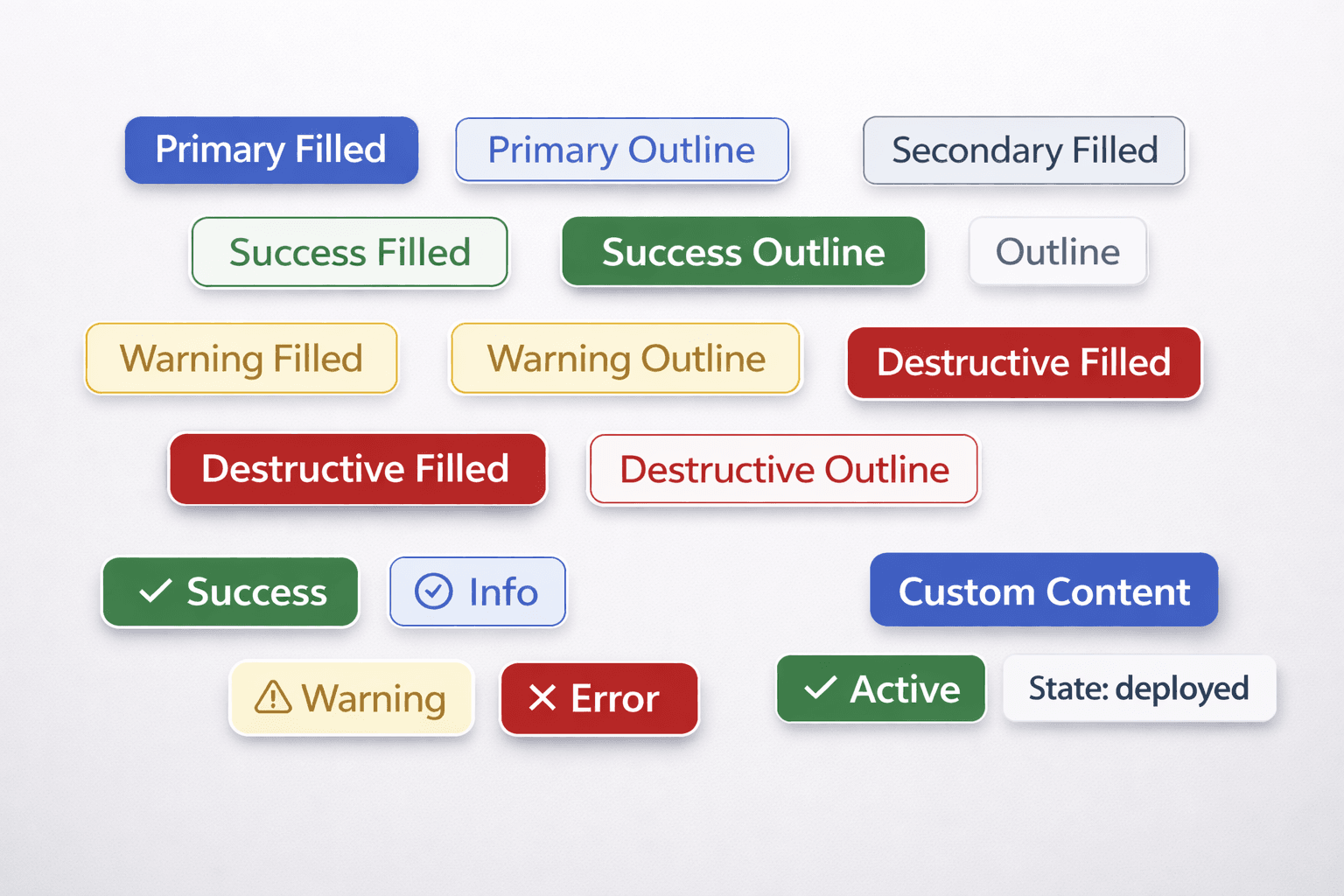
TL;DR: When shadcn's default Badge didn't quite meet ByteChef's specific design tokens, the goal was to build a custom wrapper. This new component introduces many visual variants, strict TypeScript guardrails for accessibility, and a clever CSS "hack" to bypass stubborn hover states-all while remaining fully testable and documented in Storybook.
Entering a new company is always a whirlwind. At ByteChef, just two months in, my first serious ticket landed: create custom badge component. The mission was to create a unified, reusable Badge component that could communicate everything from "Success" and "Error" to "V2 DEPLOYED" across the entire platform.
While shadcn provides a great starting point, the visual identity required something more robust and specific.
A Badge seems simple, but the requirements were clear:
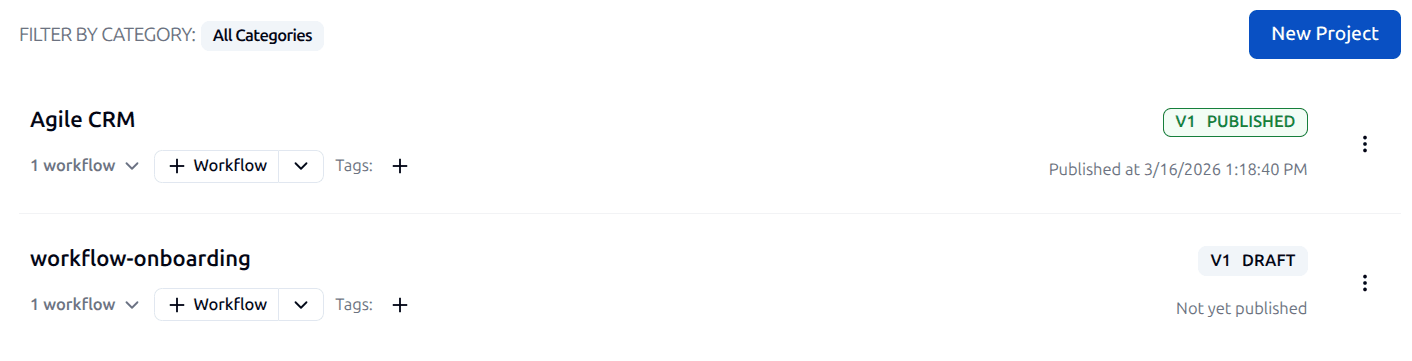
One of the trickiest parts was dealing with shadcn's default styling. The built-in hover states were constantly overriding custom classes. pointer-events-none didn't solve the problem, and adding ! (important) to every single variant felt messy.
The solution is kind of in the Grey Zone:
const basicStyles = `
  justify-center gap-1 shadow-none transition-none hover:bg-opacity-0
  [&_svg]:size-3
`;
By using hover:bg-opacity-0, the hover color change is effectively "disabled" without touching the badge's default color variables. Since the background uses CSS variables and Tailwind's opacity utilities affect var(--tw-bg-opacity), this renders the hover state invisible while keeping the code clean.
To ensure this component would be easy for the rest of the team to use (and hard to break), TypeScript's discriminated unions do the heavy lifting.
For example, icon-only badges must have an aria-label. Attempting to use an icon without a label or an aria-label throws a TypeScript error before the code even hits the browser.
A component isn't done until it's proven to be stable and documented. Badge was designed to be used across the entire platform, the margin for visual regression needed to be zero.
A comprehensive test suite using Vitest covers. The goal was to ensure the component behaves predictably for other developers. The test suite covers:
success-filled actually applies the bg-surface-success-primary class.@ts-expect-error in tests to confirm prop guardrails work.Even though documentation is usually the first thing developers skip, we were thinking of a way to make it more interactive and useful - so poeple would actually like to use it. That's where Storybook came in - you can build out a full playground where you can toggle every single prop (variants, weights, icons) and see the changes instantly.
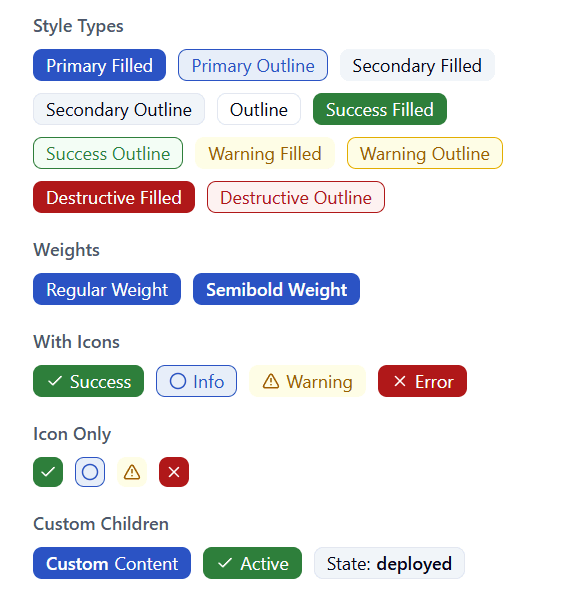
By the time I finished this ticket, Storybook felt less like a task I had to do and more like a tool that actually bridges the gap between our design files and our codebase.
What started as a ticket to add a component turned into a deep dive into the design system. The Badge is now:
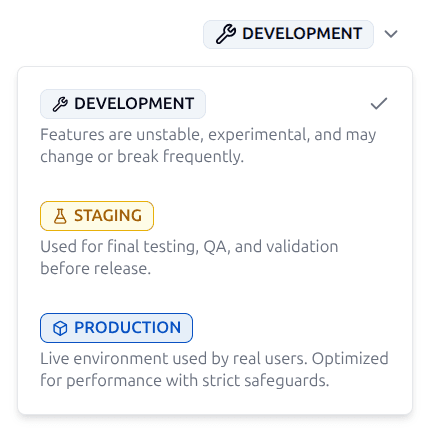
Taking this on just two months in was a challenge, but it taught me how to set a standard for how library components are extended at ByteChef: wrap the foundation, enforce the brand, and never skip the tests.
Get the latest guides on complex automation, AI agents, and visual workflow best practices delivered to your inbox.