5 min read
Marko Krišković
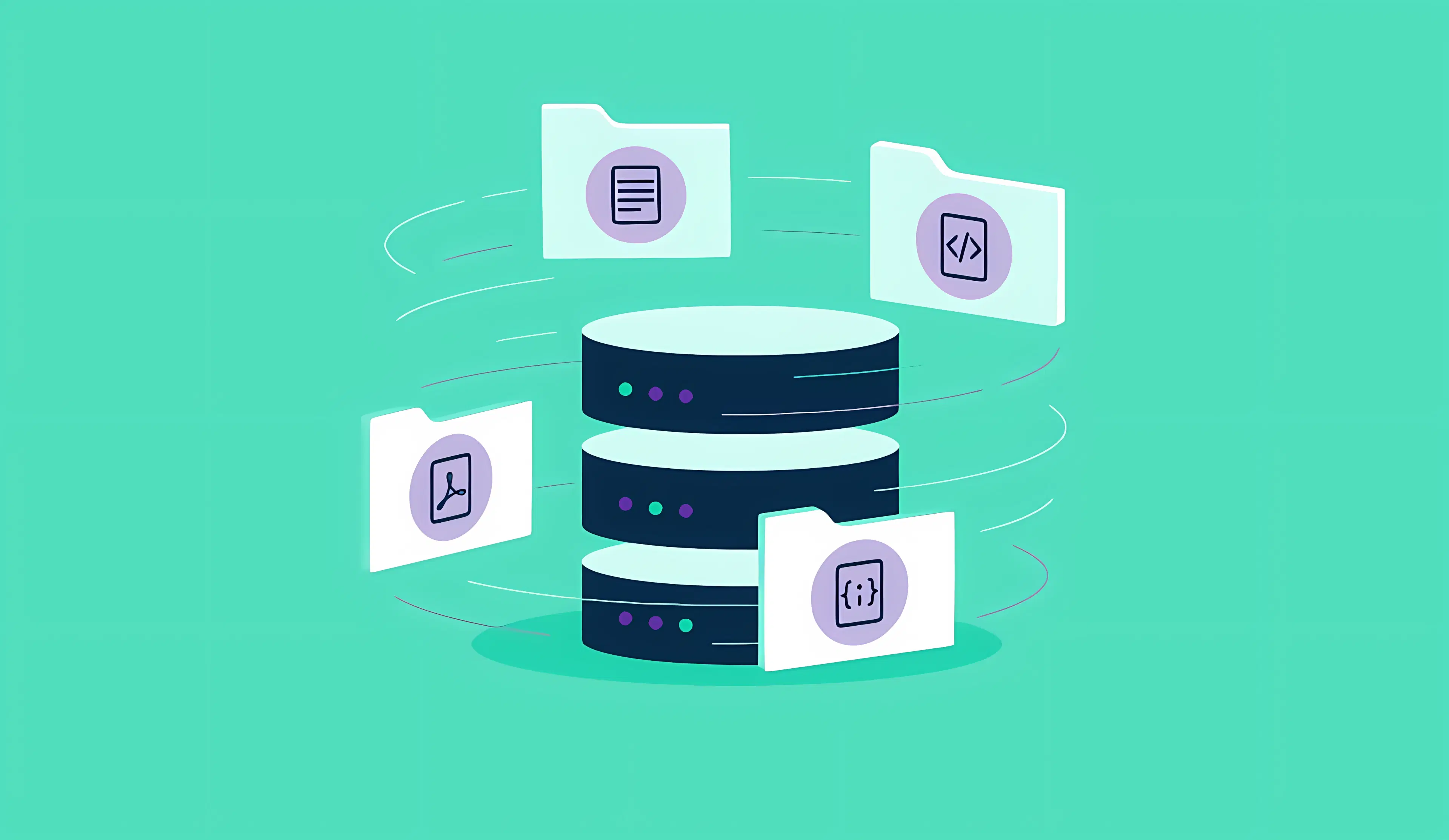
TL;DR: ByteChef lets you turn any document (PDF, Word, JSON, etc.) into AI-searchable knowledge - no code needed. It chunks large docs intelligently, auto-tags and summarizes them for better retrieval, and stores them in your vector database of choice (Pinecone, Weaviate, Couchbase, etc.) with swappable AI models. Good for building RAG pipelines, internal knowledge bases, or smart support systems.
In the age of AI-powered applications, your data is only as valuable as your ability to access and leverage it. Whether you're building a chatbot that needs to answer questions from your documentation, creating a recommendation engine, or developing a semantic search system, the first challenge is always the same: how do you transform static files into searchable, contextual knowledge?
ByteChef solves this problem with a powerful, no-code approach to document ingestion and intelligent storage.
Traditional file storage is straightforward. You save a file, and later you retrieve it. But modern AI applications need more. They need to understand your documents, break them into meaningful chunks, extract context, and store them in ways that enable semantic search and intelligent retrieval. This process typically requires multiple tools, custom code, and deep technical expertise.
ByteChef changes that equation entirely.
At its core, ByteChef provides an automation platform that can read local files from your system and transform them into AI-ready knowledge. But what makes it powerful is the intelligent processing pipeline you can build without writing a single line of code.

Whether your knowledge lives in PDFs, Word documents, JSON files, Markdown, or plain text, ByteChef can extract the content intelligently. The platform can use Apache Tika under the hood, giving you enterprise-grade document parsing that handles complex formatting, metadata extraction, and content structure preservation.
Not all documents are created equal. A 200-page technical manual can't be processed the same way as a two-paragraph email. ByteChef's Document Splitter understands this nuance. It breaks large documents into semantically meaningful chunks, intelligent segments that preserve context and meaning.
The splitter is configurable with smart defaults: chunks of around 800 tokens, with a minimum size to avoid fragmenting important information, and safeguards to prevent creating thousands of unusable micro-chunks. It even maintains separators between sections to preserve the document structure.
Here's where ByteChef truly shines: it doesn't just store your documents, it enriches them. Two types of metadata enrichers add crucial context to your content:
This enrichment ensures that your vector database retrieves the most relevant information, even when user queries don’t perfectly match the document’s language, solving one of the biggest issues in retrieval-augmented generation (RAG) pipelines. When combined with Document Splitter, it can easily find the one relevant section of a large document.
One of ByteChef's most powerful features is its modularity. The workflow isn't locked to specific providers or technologies:
text-embedding-3-small) and enrichment models (such as Claude Sonnet) are fully interchangeable with other providers.This flexibility means you can start small and evolve your AI stack seamlessly without rewriting or refactoring workflow logic.

And importantly, ByteChef gives you freedom in how you pass files into your workflow. You can source or output files through multiple file connectors and storage options:
This flexibility allows your ingestion pipeline to adapt to wherever your documents live, whether they’re local, structured data files, or stored in the cloud.
A vector index is only useful while it matches your source documents. Because ingestion is just another ByteChef workflow, you can keep it current with triggers instead of manual re-uploads:
The parsing, chunking, enrichment, and embedding steps stay exactly the same; only the trigger changes. That makes refreshing vector indexes part of your automation instead of a separate maintenance task.
This document processing capability opens the door to a wide range of possibilities:
The visual workflow designer means business users and developers can collaborate on automation without needing to manage code or infrastructure.
Get the latest guides on complex automation, AI agents, and visual workflow best practices delivered to your inbox.