Import and Export Workflows and Projects
On this page
TLDR; You can Import and Export both Workflows and Projects in ByteChef. ByteChef now lets you export workflows as JSON files and entire projects as ZIP archives, then import them into any other ByteChef instance. Useful for moving between dev/prod environments, sharing automations with teammates, or building internal libraries of reusable workflows - no manual copying required.
Automation saves time, but reusing automation is where you really start to multiply that time back. The problem is that despite the growing number of workflow and AI orchestration platforms available today, sharing automations is often surprisingly difficult. A workflow that took hours to design, test, and refine can end up trapped inside a single workspace, environment, or account.
Whether you're collaborating with teammates, maintaining separate development and production environments, or simply trying to keep backups of your work, moving automations around shouldn't require workarounds.
The workflows you build shouldn't belong to a platform. They should belong to you.
That's a principle we've always believed in at ByteChef, and it's the reason we're introducing Import and Export for both Workflows and Projects.
The Problem with Automation Portability
Most teams don't build automations in isolation.
A workflow created by one team member often becomes useful to others. A successful automation in a development environment eventually needs to be deployed elsewhere. Organizations frequently maintain separate ByteChef installations for different purposes and need a reliable way to move their work between them.
Before this release, sharing workflows often meant manually copying and pasting JSON definitions through third-party tools or communication channels. It worked, but it wasn't a seamless experience.
As automation becomes a bigger part of day-to-day operations, teams need better ways to package, transfer, and reuse their work.
Introducing Workflow Import & Export
Workflows in ByteChef can now be exported with a single click as JSON files.
These exports contain the complete workflow definition, making it easy to:
- Share workflows with teammates
- Keep local backups
- Reuse proven automations across teams
- Build your own library of workflow templates
- Transfer workflows between ByteChef instances
Importing is just as straightforward. Upload a workflow JSON file and ByteChef will create a new workflow from that definition.
No copy-pasting, no external tools, no unnecessary friction.
Introducing Project Import & Export
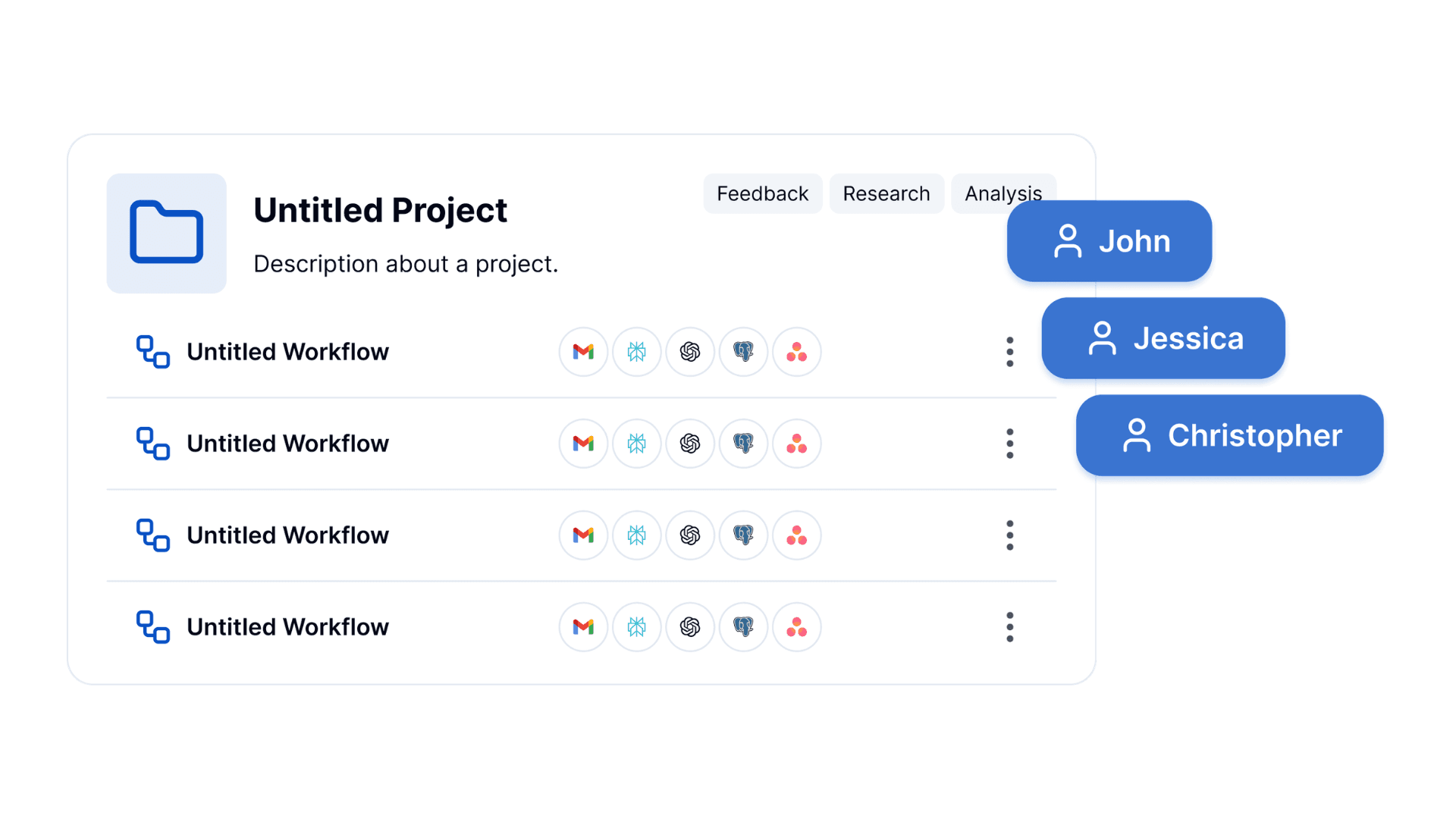
Workflows are often part of something larger, though, and exporting a single workflow only gets you so far. That's why ByteChef now supports importing and exporting entire Projects.
Projects can contain multiple workflows, allowing teams to package related automations together and move them as a single unit.
When exporting a project, ByteChef generates a ZIP archive containing:
- The project definition
- Individual workflow definitions for every workflow in the project
This makes it easy to preserve entire automation systems, not just individual workflows.
Importing a project creates a new project instance in ByteChef, allowing teams to quickly replicate existing setups and continue working immediately.
Real-World Use Cases
Moving Between Isolated ByteChef Instances
Many organizations maintain separate ByteChef installations for development, testing, or production purposes.
Instead of rebuilding workflows manually, teams can export projects from one instance and import them into another in minutes.
Sharing Proven Automations with Teammates
A team member creates a workflow that solves a common problem. Rather than recreating it from scratch, colleagues can simply import the workflow and adapt it to their needs.
Building Internal Automation Libraries
Organizations often discover that the same patterns appear repeatedly - lead qualification, customer onboarding, data synchronization. Import and export make it easier to build internal libraries of reusable automation assets that teams can share across departments.
Creating Reusable Starter Projects
Some workflows only make sense as a set. Instead of distributing individual pieces, teams can export complete projects that provide a working foundation for future automation initiatives.
Looking Ahead
This release is also an important building block for future functionality.
We're working on Template support, which will allow users to create, upload, download, and directly import reusable workflow templates through ByteChef.
Import and export provide the foundation for a broader ecosystem where automations can be shared, reused, and improved rather than recreated over and over again.
Automation Should Be Portable
Automation platforms shouldn't lock users into a single environment. The workflows and projects you create are valuable assets - you should be able to move them, share them, back them up, and reuse them on your own terms.
With Workflow and Project Import & Export, that's now possible. Try it out and let us know how you're using it.
Subscribe to the ByteChef Newsletter
Get the latest guides on complex automation, AI agents, and visual workflow best practices delivered to your inbox.