Improving UX with Quick Wins Instead of Big Redesigns
On this page
Most UX problems are not caused by complexity, but by poor visibility and mismatched user expectations.
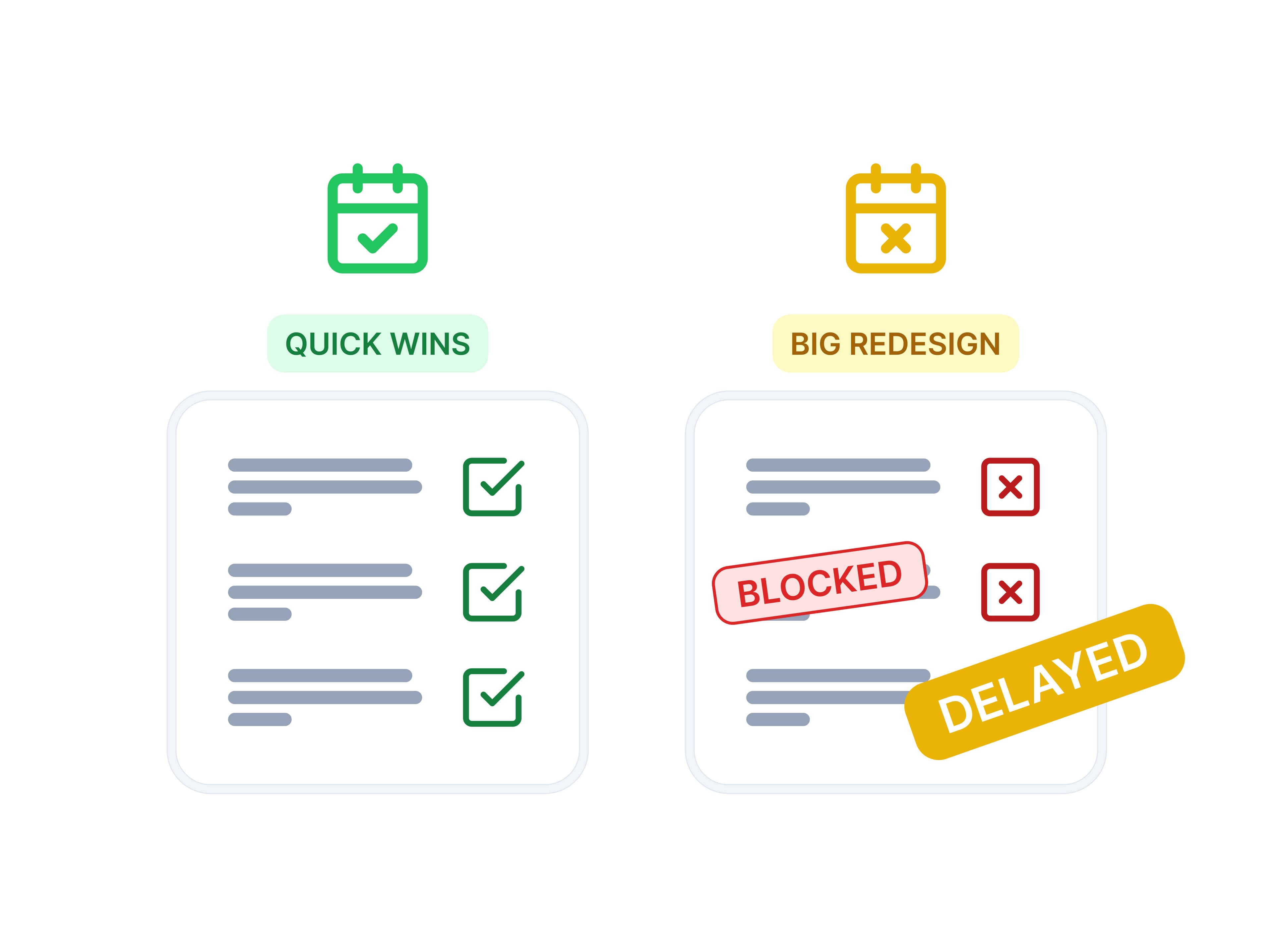
Instead of full redesigns, small “quick win” improvements, like repositioning a button or improving timing of actions can deliver significantly higher impact with minimal effort.
In ByteChef testing, a missing and poorly positioned Deploy action caused major user drop-off, which was solved with a simple UI change.
When UX problems are not actually design problems
In product development, it’s common to assume that UX issues require redesigns.
But during usability testing of ByteChef, we discovered a different pattern:
Most users don’t struggle because something is complex, they struggle because they can’t see it or don’t expect it.
Users typically:
- scan the interface quickly
- try a few expected actions
- and if nothing works → they stop
This means UX issues could be only visibility problems.
Case study: Publish vs Deploy confusion
One of the clearest examples was the Publish → Deploy flow.
Users were able to:
- create a project
- build workflows
- connect apps
- publish successfully
At that point, they expected the workflow to be live.
Because in their mental model:
Publish = workflows are live and working
However, ByteChef required an additional step: 👉 Deploy
What went wrong
Users:
- looked for Deploy inside the project
- expected it near Publish
- often didn’t realize it existed at all
Out of 5 users:
- only 2 successfully completed deployment
- others got stuck or assumed they were done
The issue was not functionality, it was positioning + expectation mismatch.
Why redesign wasn’t the answer
A full redesign could have included:
- merging two pages: Projects and Deployments
- restructuring information architecture
But that would be expensive and slow.
Instead, we asked:
What is the smallest change with the biggest impact?
The quick win solution
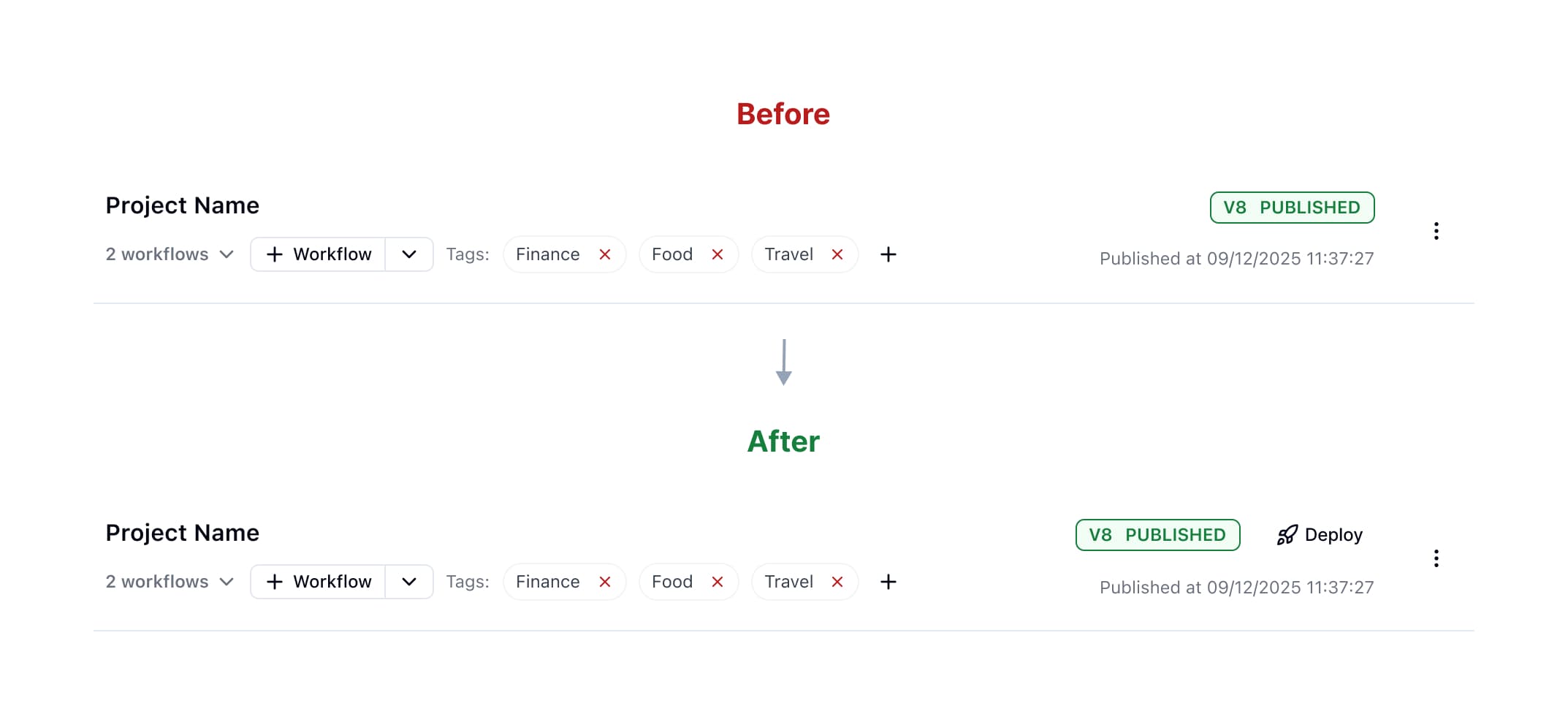
The solution was simple:
Add a visible “Deploy” button directly in the project card after it's published.
No new concepts.
No workflow changes.
Just better visibility at the right moment.
Why this worked
- users naturally stay in the project context
- Deploy is now visible exactly when needed
- no additional learning required
This is a classic high-impact, low-effort UX improvement.
How we decide between quick wins and redesigns
At ByteChef, we evaluate UX issues based on:
- user impact
- implementation effort
- urgency
A key question we always ask is:
Will this change meaningfully improve user success or acquisition?
If yes and the effort is low, it becomes a quick win.
Otherwise, it enters the redesign pipeline.
A common UX mistake: skipping testing

One of the biggest mistakes teams make is:
Deciding to redesign without enough user testing
This usually happens because teams assume that a redesign will automatically lead to a better experience, simply because it feels more thought-through, cleaner, or “more correct” from their perspective.
But the reality could be different.
A redesign made without any user input can end up being just as confusing as the original version or sometimes even worse. In the end, time is spent rebuilding something that still doesn’t solve the actual user problem.
Without testing, teams often rely on their own assumptions instead of real user feedback
- they think the flow is too complex based on their own understanding
- they judge the UI as unclear without observing users
- they decide on redesigns without validating real user problems
Key insights from testing
From multiple sessions, a few patterns became clear:
- users scan, they don’t explore
- if something is hidden, it effectively doesn’t exist
- when users feel “done”, they stop immediately
- expectations strongly influence interpretation of UI
The UX philosophy behind quick wins
Our approach can be summarized simply:
Don’t jump to redesigns. Focus on changes that deliver the highest impact with the least effort.
Or more practically:
Always ask: does this improve user success or business outcomes enough to justify the change?
Final thoughts
Not every UX problem requires a redesign.
Sometimes the difference between confusion and clarity is:
- a button placed in the right context
- better timing of actions
- or simply making an existing feature visible
Quick wins don’t replace good UX thinking.
They make it actionable.