Useful VS Code Extensions for Developers

On this page
Visual Studio Code has become one of the most popular code editors, and its extensibility is one of its greatest strengths. The right extensions can transform your development experience, making you more productive and helping you write better code.
Essential Extensions
ESLint
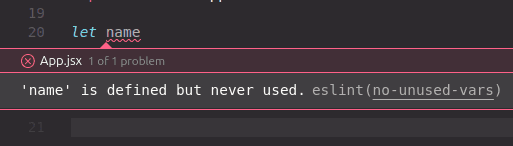
ESLint helps you catch errors and enforce coding standards in your JavaScript and TypeScript projects. It provides real-time feedback as you code, helping you maintain consistent code quality.
Prettier
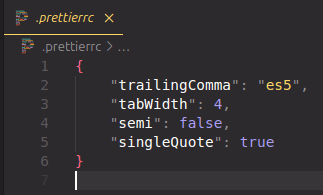
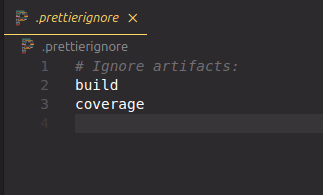
Prettier is an opinionated code formatter that automatically formats your code according to consistent style rules. It supports many languages and integrates seamlessly with VS Code.
GitLens
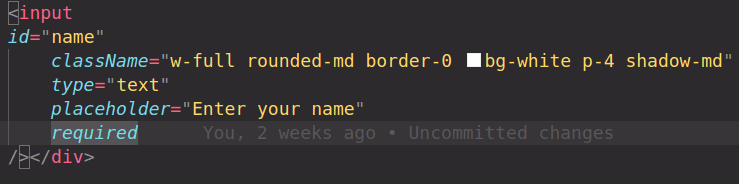
GitLens supercharges the Git capabilities built into VS Code. It provides detailed Git blame annotations, file history, and powerful comparison tools that help you understand your codebase better.
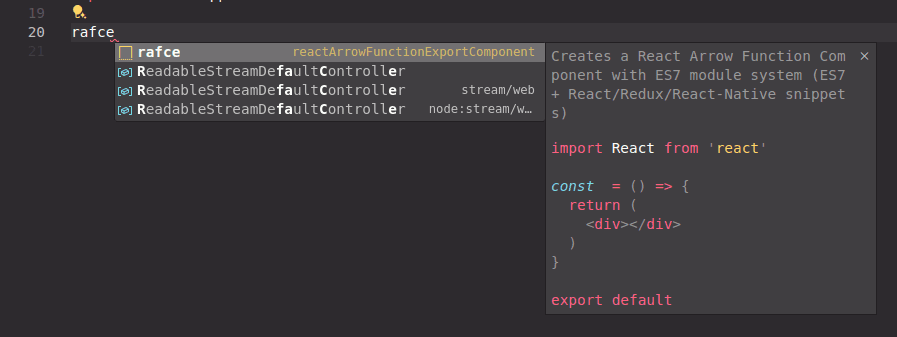
ES7+ React/Redux/React-Native Snippets
This extension provides a collection of useful snippets for React, Redux, and React Native development, helping you write code faster with intelligent autocomplete.
Theme Extensions
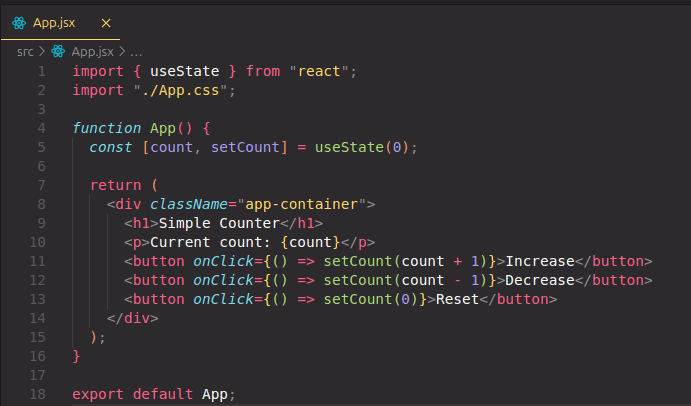
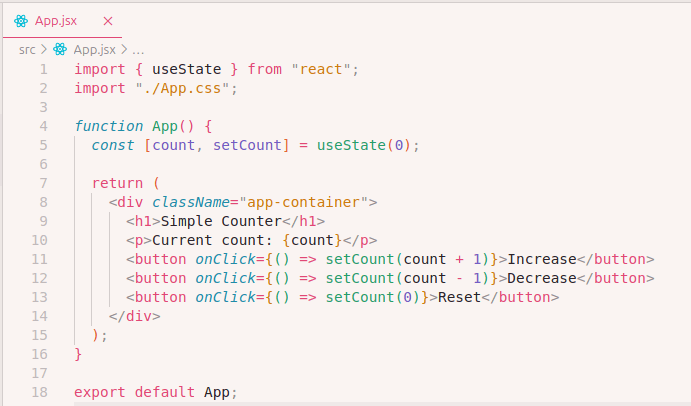
Monokai Pro
Monokai Pro offers a beautiful, carefully crafted color scheme that's easy on the eyes for long coding sessions. It's available in multiple variants including light and dark themes.
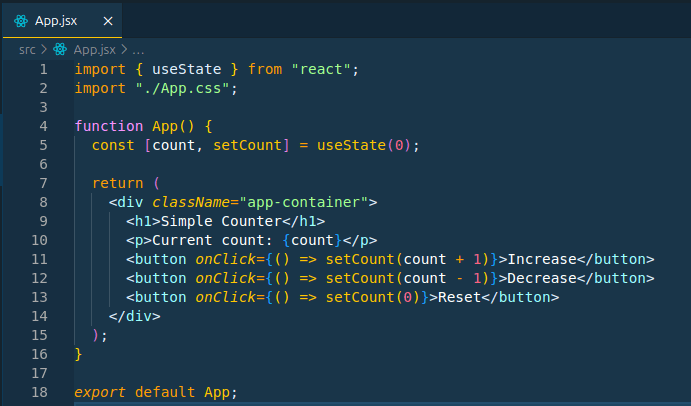
Cobalt2
Cobalt2 is a popular theme inspired by the Cobalt text editor, featuring a distinctive blue color scheme that many developers find comfortable and visually appealing.
Productivity Tips
- Customize Your Workspace: Use workspace-specific settings to optimize your environment for different projects
- Keyboard Shortcuts: Learn VS Code's keyboard shortcuts to navigate and edit code faster
- Integrated Terminal: Use the integrated terminal to run commands without leaving your editor
- Multi-Cursor Editing: Take advantage of multi-cursor editing for bulk changes
Conclusion
The right VS Code extensions can significantly improve your development workflow. Start with the essentials like ESLint and Prettier, then explore themes and productivity extensions that match your preferences and needs. Remember, the best extensions are the ones that solve real problems in your daily workflow.
Subscribe to the ByteChef Newsletter
Get the latest guides on complex automation, AI agents, and visual workflow best practices delivered to your inbox.