6 min read
Krešimir Čoko
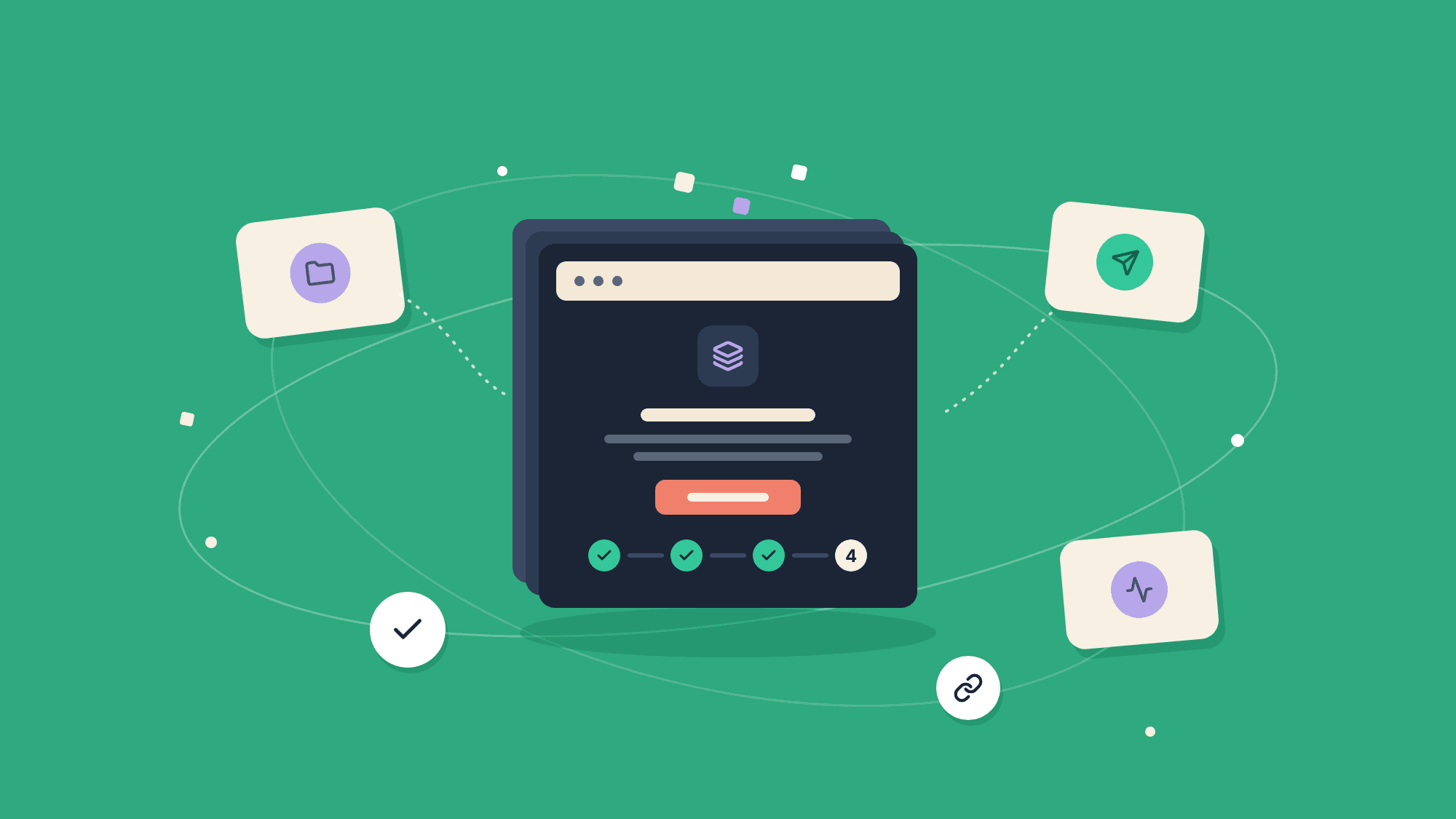
TL;DR: ByteChef's empty pages used to say "No Projects" or "No Project Deployments" and offer one button. Each empty page now explains what belongs there, shows the four steps from a first project to a first run, and works out which step you're on, so the button it offers leads somewhere you can finish.
New users see your empty states before anything else, and a workflow automation platform like ByteChef has a lot of empty pages: Projects, Connections, Deployments, Executions. Ours mostly told people there was nothing there.
Below is what we changed, the bug that made us rethink the whole set, and the rules we ended up with.
Here's what the Projects page used to tell a new user:
No Projects. Get started by creating a new project.
It's accurate, but it doesn't say what a project is or what comes after creating one, and the other pages used the same template.
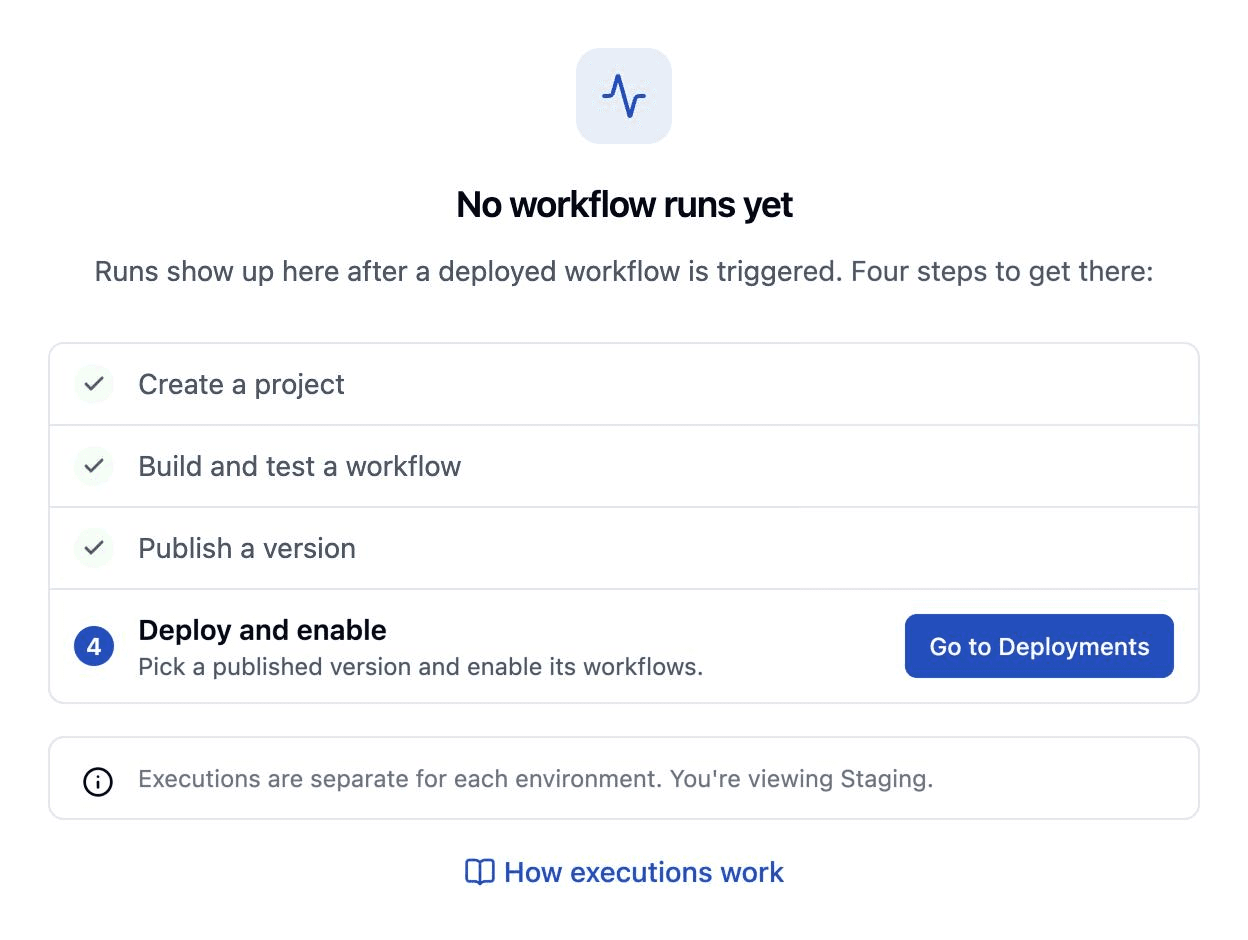
The Executions page was worse. New users open it early, because "did my workflow run?" is a natural first question, and they found one sentence with no way forward next to six filters for an empty list.
The Deployments page had an actual dead end. Its empty state offered Create Deployment, which opened a dialog whose version picker only lists published project versions. A brand-new user has none, so the most prominent button on the page opened a form nobody could submit. That bug is why every empty state now checks where the user is before it offers a button.
Before an automation runs, four things have to happen:
These steps live in a small reusable JourneySteps component. Each step is complete, current or upcoming. Completed steps get a check mark, and the current one carries aria-current="step" for screen readers. The component has two layouts: a compact horizontal strip, and a vertical checklist that can hold an action button and a hint for the current step.
A checklist only helps if it's right. We derive the stage from data the app already has, the user's projects and deployments, instead of tracking onboarding progress separately:
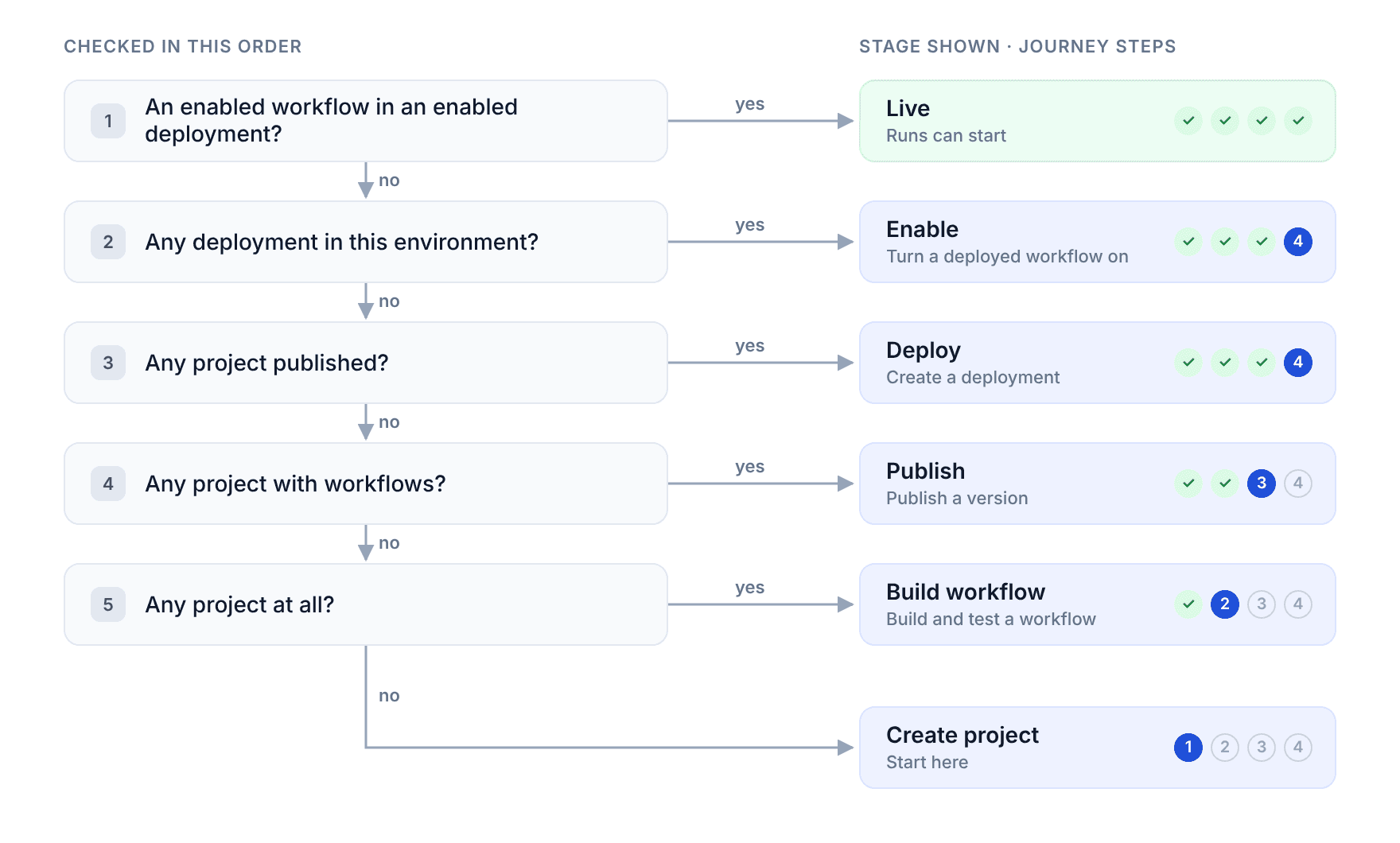
Each signal implies the ones before it, so the stage is the furthest signal that holds:
const getStage = (projects: Project[], projectDeployments: ProjectDeployment[]) => {
    if (projectDeployments.some(canRun)) return 'live';
    if (projectDeployments.length > 0) return 'enable';
    if (projects.some((project) => project.lastPublishedDate != null)) return 'deploy';
    if (projects.some(hasWorkflows)) return 'publish';
    if (projects.length > 0) return 'buildWorkflow';

    return 'createProject';
};
Since there's no separate onboarding record, there's nothing to fall out of sync. Delete your only deployment and the journey moves back a step by itself.
The journey is also cheap to load. Only an empty state requests it, so a page full of items makes no extra requests, and its queries share cache keys with the Projects and Deployments lists, so the data is usually cached already.
With the stage known, a page can have more than one empty state. Deployments now has three:
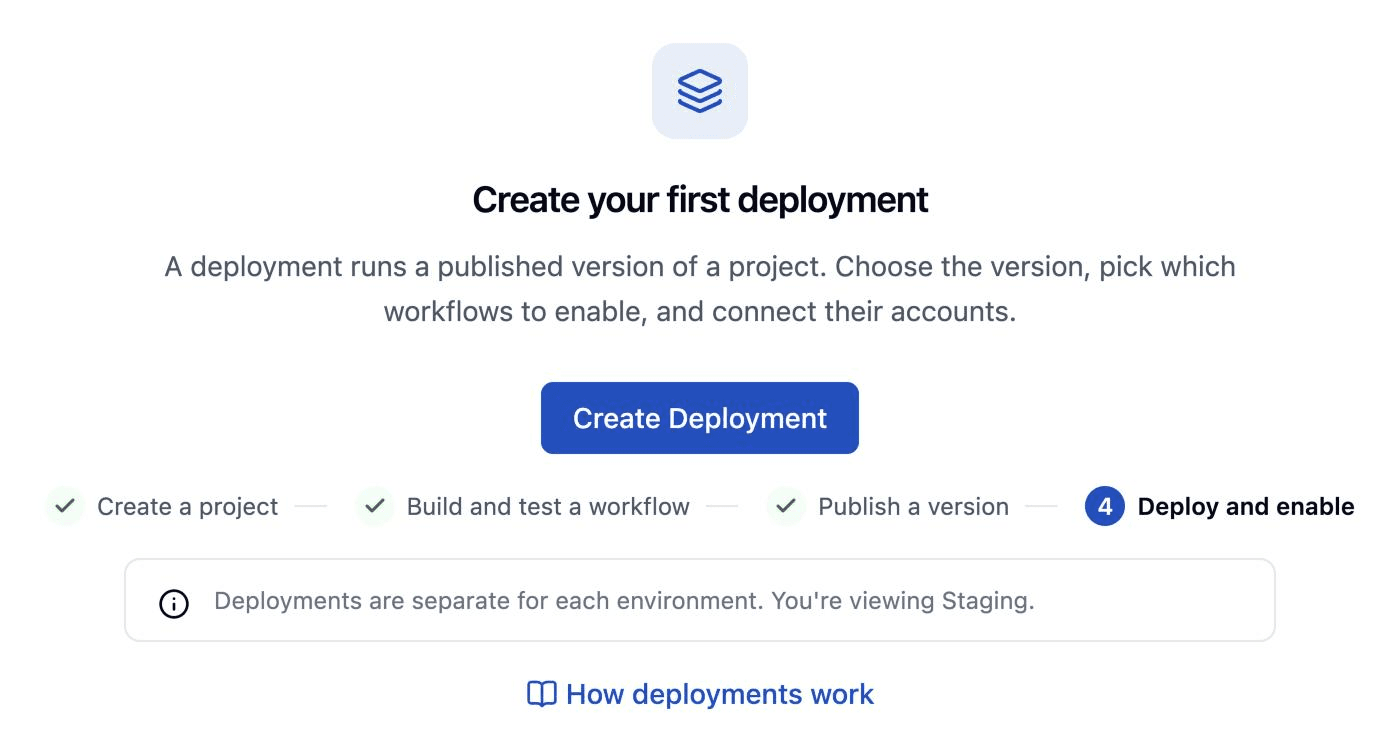
Executions got the same treatment. On a first run it hides the filters and shows the vertical journey with an action for the current step. With a disabled deployment it asks you to enable a deployed workflow. With an enabled one it shows "Waiting for the first run" and points out that test runs from the editor aren't listed there.
When a page is empty because of your filters rather than your progress, it says nothing matches and offers Clear filters.
The shared EmptyState component handles most of these:
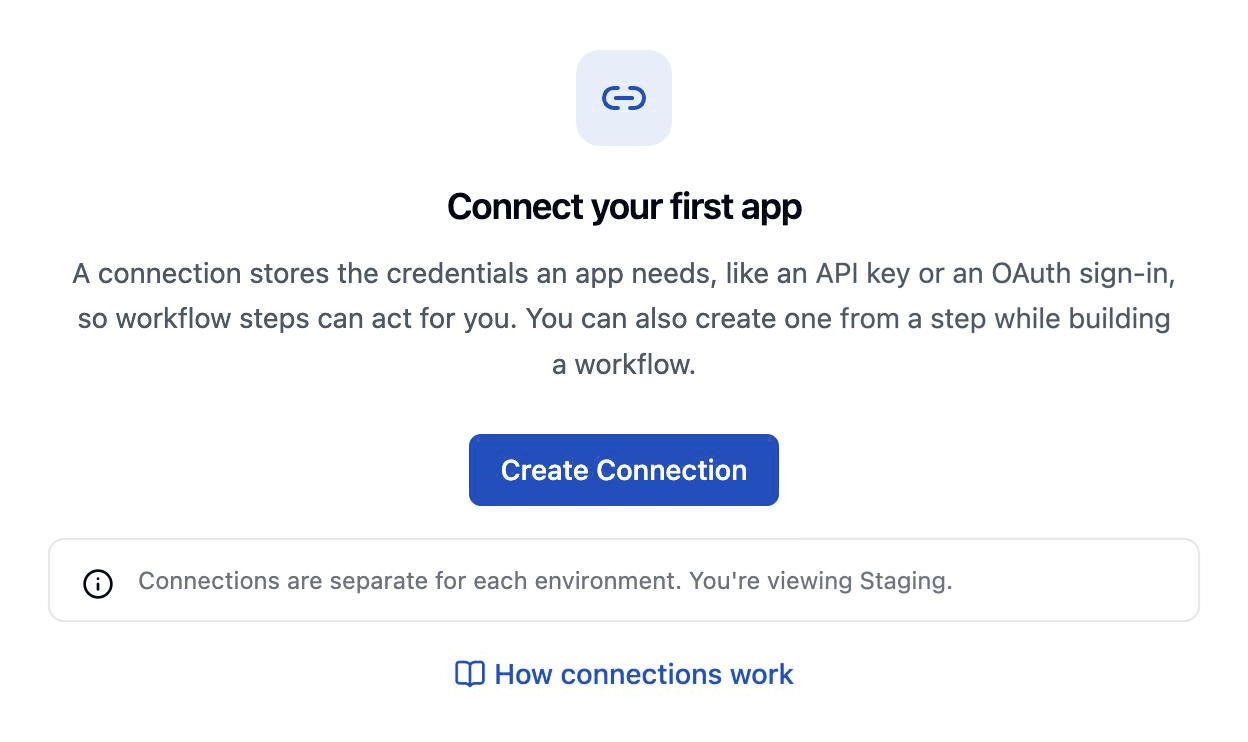
Our empty pages used to describe what was missing. They now read the user's projects and deployments, say which of the four steps comes next, and only offer buttons that lead somewhere the user can finish.
Create a fresh workspace in ByteChef, open the Executions page and follow the steps, then tell us on GitHub where you got stuck.