7 min read
Ivica Cardic
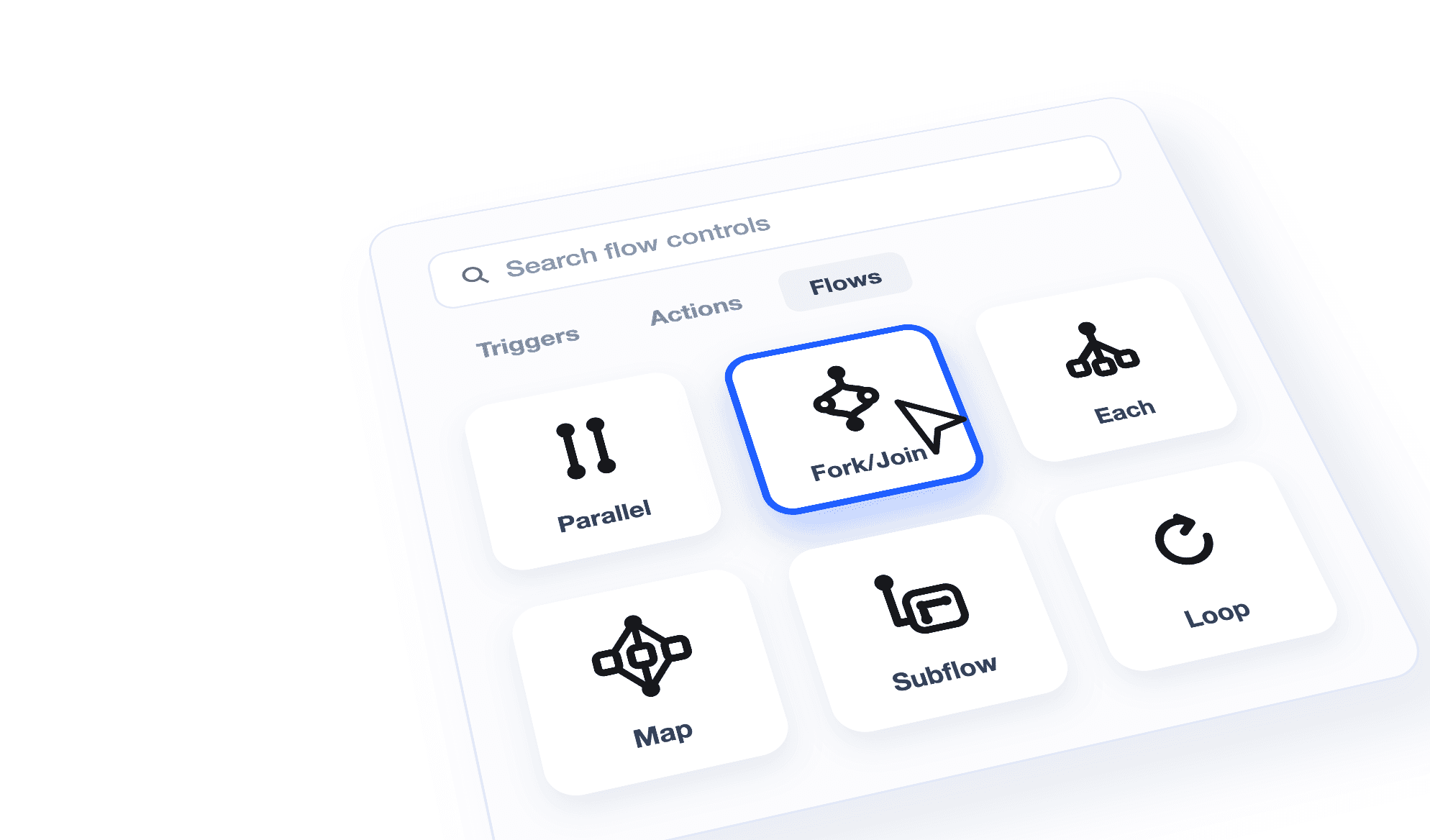
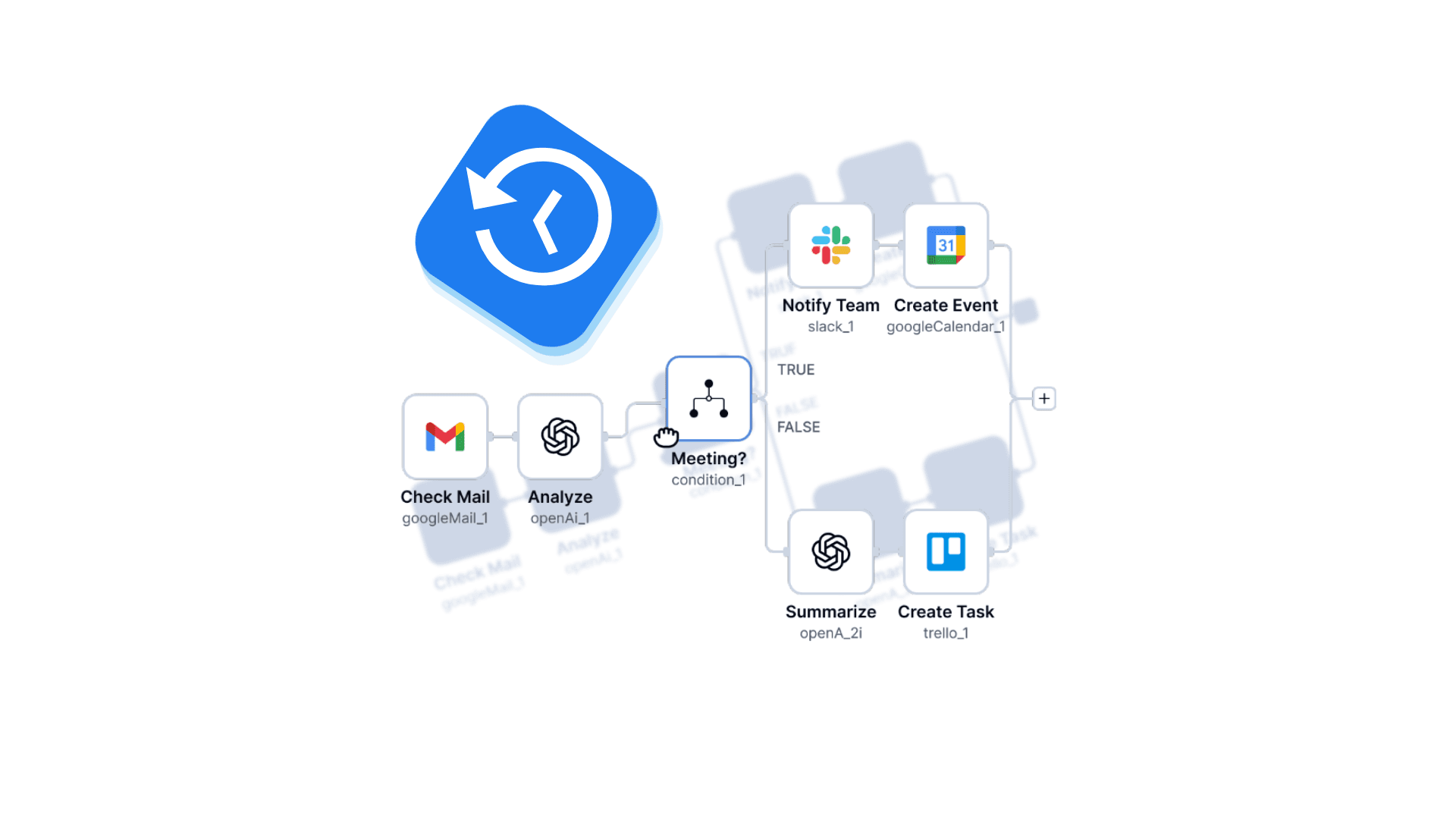
TL;DR: ByteChef's workflow editor now exposes the full set of flow controls: alongside the familiar Condition, Branch, and Loop, you can drop Parallel, Fork/Join, Each, Map, and Subflow onto the canvas. That means workflows that fan out over lists, run independent steps concurrently, and call other workflows as reusable building blocks - all visually, no custom code. This closes out issue #1057, one of the longest-running feature checklists in the ByteChef repository.
Some GitHub issues are essays. Issue #1057 is a checklist:
- condition
- loop
- each
- branch
- map
- parallel
- fork-join
- subflow
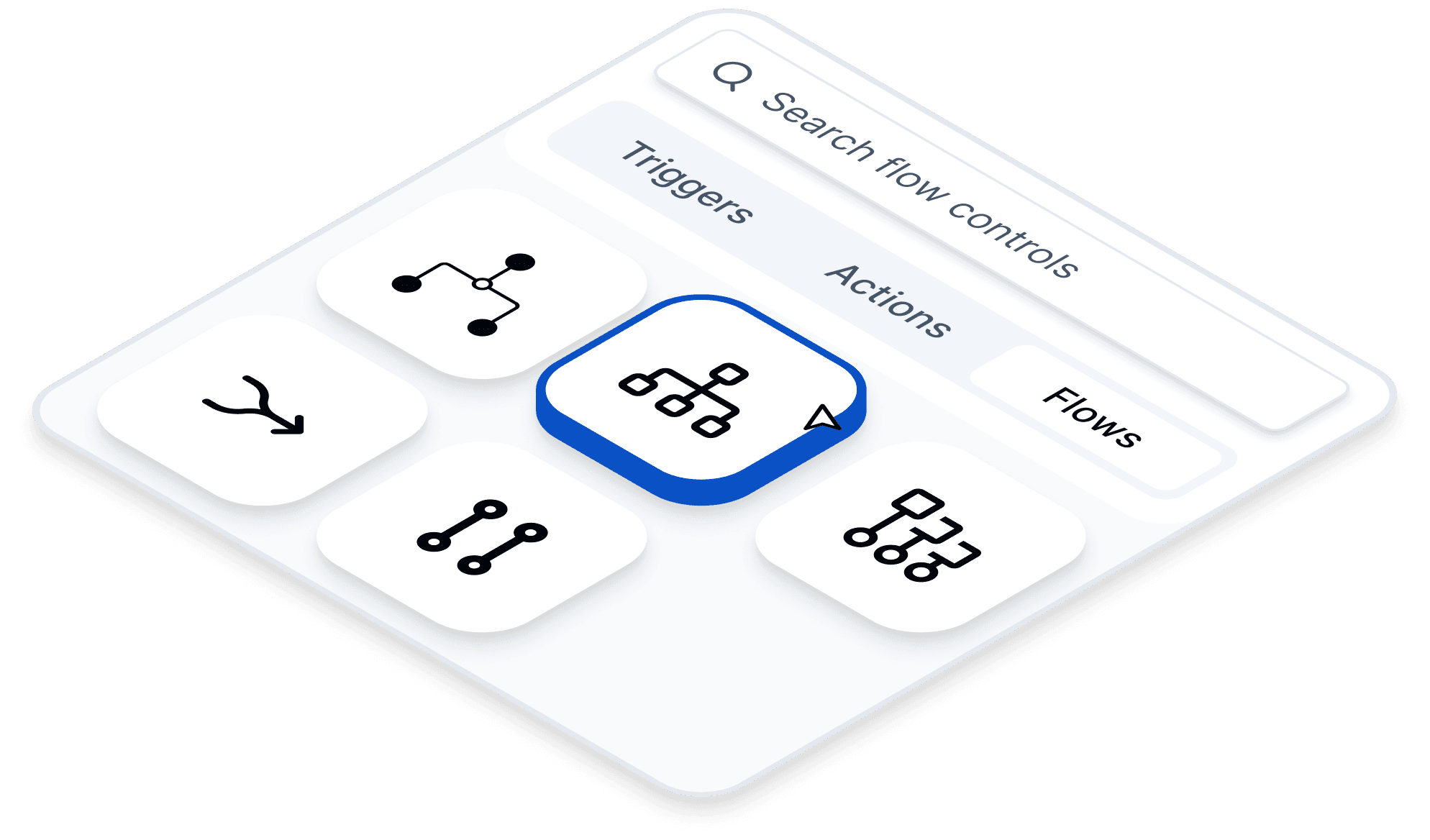
Each of those checkboxes is a flow control - what the workflow engine internally calls a task dispatcher. A regular component does work: it sends the email, queries the database, calls the API. A task dispatcher never does work itself. It decides which tasks run, when, how many times, and with what data - it directs traffic.
We wrote about the first half of that checklist in our guide to flow controls: Condition routes on true/false, Branch picks one of several paths based on an expression, and Loop repeats steps over a list. Those cover decisions and repetition.
This post is about the second half - the controls that cover concurrency and composition. They've been running behind a feature flag while we hardened them one checkbox at a time; with the list complete, the flag is going away and the full set is available to everyone.
Every workflow starts as a straight line: trigger, then step one, then step two. That's the right default - it's easy to reason about, and each step can use the output of the one before it.
But real processes aren't always lines:
The first two are concurrency problems. The third is a composition problem. Here's the control for each.
Parallel is the simplest of the new controls: give it a collection of tasks, and it runs them all concurrently without waiting for any of them to finish first.
{
    "name": "parallel_1",
    "type": "parallel/v1",
    "parameters": {
        "tasks": [
            {
                "name": "createCrmRecord",
                "type": "pipedrive/v1/createOrganization",
                "parameters": { "...": "..." }
            },
            {
                "name": "notifySales",
                "type": "slack/v2/sendMessage",
                "parameters": { "...": "..." }
            }
        ]
    }
}
Use it when you have a fixed set of different steps that don't depend on each other. The three-things-at-customer-onboarding case is exactly this.
Fork/Join is Parallel's bigger sibling. Instead of a flat set of tasks, you define branches - each branch is a sequence of tasks that runs in order, but the branches themselves run in parallel to each other, each as its own isolated sub-flow:
{
    "name": "forkJoin_1",
    "type": "fork-join/v1",
    "parameters": {
        "branches": [
            [
                { "name": "fetchInvoices", "type": "..." },
                { "name": "summarizeInvoices", "type": "..." }
            ],
            [
                { "name": "fetchTickets", "type": "..." },
                { "name": "summarizeTickets", "type": "..." }
            ]
        ]
    }
}
The rule of thumb: reach for Parallel when each concurrent piece is a single step, and for Fork/Join when each concurrent piece is itself a pipeline. The "join" part means the workflow waits for every branch to finish before moving on, so the step after a Fork/Join can safely use results from all branches.
Loop already iterates over a list - but sequentially, one item at a time, in order. Each and Map iterate over a list in parallel: every item gets its own execution of the inner task at the same time.
The difference between the two is what you get back.
Each is for side effects. It runs the task for every item and returns nothing. Order of completion isn't guaranteed - and for firing off 200 notification emails, it doesn't need to be:
{
    "name": "each_1",
    "type": "each/v1",
    "parameters": {
        "items": "=leads",
        "iteratee": {
            "name": "sendFollowUp",
            "type": "gmail/v1/sendEmail",
            "parameters": { "to": "=each_1.item.email" }
        }
    }
}
Map is for transformations. It also runs in parallel, but it collects each item's result and returns them as a list - in an order that matches the source list, no matter which items finished first:
{
    "name": "map_1",
    "type": "map/v1",
    "parameters": {
        "items": "=range(1, 10)",
        "iteratee": [
            {
                "name": "enrich",
                "type": "...",
                "parameters": { "input": "=map_1.item" }
            }
        ]
    }
}
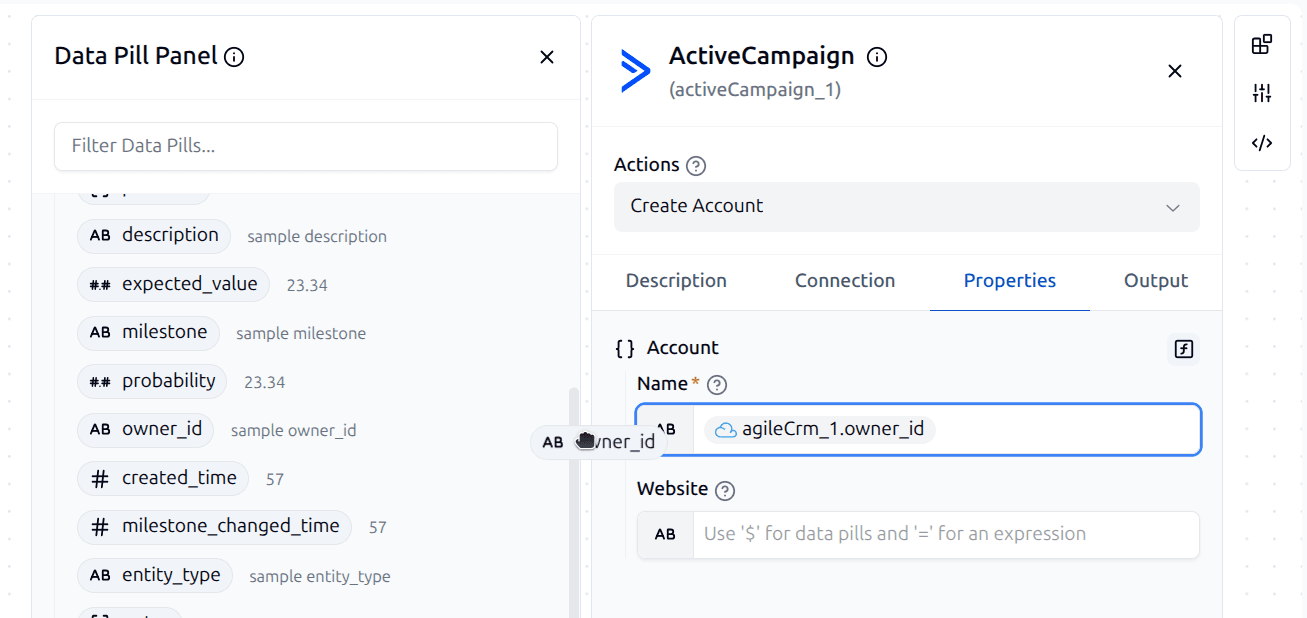
Inside the iteration, the current element is available as a data pill on the dispatcher itself - each_1.item, map_1.item - so inner steps can reference it like any other output.
So the lead-enrichment case from earlier: 200 leads, enriched concurrently, results back in the original order, ready for the next step. That's Map.
One honest footnote on the checklist: the infinite loop variant (loop until a break condition, with no list at all) is the one box still open on #1057. Loop already supports a Loop Break statement; the fully unbounded mode is still on the list.
The controls above change how tasks run. Subflow changes what counts as a task: it starts another workflow as a child job of the current one, passes it inputs, and hands the child's output back as the step's output.
{
    "name": "subflow_1",
    "type": "subflow/v1",
    "parameters": {
        "workflowUuid": "notify-the-team",
        "inputs": {
            "channel": "#ops",
            "summary": "=map_1"
        }
    }
}
That's the composition problem solved: build "notify the team" once, with its own inputs, and call it from all five workflows. When it changes, it changes everywhere. Subflows show up in execution history as their own jobs, and the editor knows how to navigate into them so you can follow the chain.
| You want to… | Use |
|---|---|
| Repeat steps over a list, one at a time, in order | Loop |
| Run a task for every item at once, no results needed | Each |
| Transform every item at once and keep the results, in order | Map |
| Run a fixed set of independent single steps concurrently | Parallel |
| Run several multi-step pipelines concurrently, then continue | Fork/Join |
| Reuse another workflow as a step | Subflow |
| Take one of two paths based on true/false | Condition |
| Take one of many paths based on a value | Branch |
Two quick heuristics cover most decisions: per-item vs. fixed set (Each/Map/Loop iterate over data; Parallel/Fork-Join run a structure you defined), and results vs. side effects (Map collects, Each doesn't).
The workflow engine has been able to dispatch all of these for a while - the engine side of a task dispatcher is comparatively contained. The long tail was the editor. Every flow control is a nested structure on the canvas: it owns child tasks, those children need placeholders, drag-and-drop targets, correct auto-layout, and data pills that respect iteration scope. Getting Condition right taught us how much surface area each control adds, so we didn't ship the rest as one big drop.
Instead, the remaining controls went in behind a feature flag (ff-1057, named after the issue), which let us enable them incrementally, polish the rough edges. With every control now holding up in real workflows, the flag is being removed and the complete set becomes the default for every ByteChef instance - cloud and self-hosted.
If your workflows have been running in a single lane, give the new controls a try - the fastest way to feel the difference is to take an existing Loop over an independent list of items and swap it for a Map.